Your own version
Your own Plan to Eat-style meal planner on your iPhone
Plan to Eat keeps your recipes, lays them on a calendar and builds the grocery list from the plan. If your household rotates through twenty dinners you already know, describe that to Borel. It writes a native meal planner in Swift: a week you fill from your own dishes, and a list of what to buy, kept on your iPhone.
Updated . Borel isn’t connected to Plan to Eat.
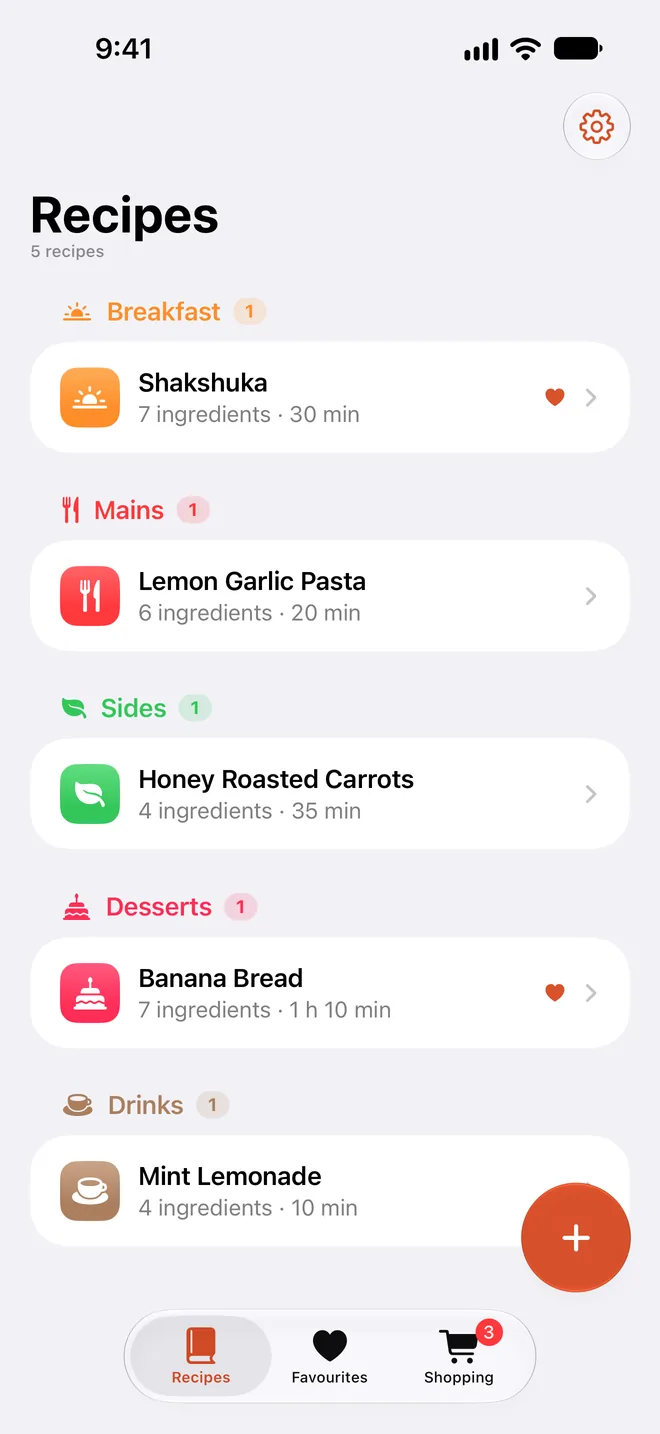
“A dinner planner for my household. I keep a list of our dishes, each with ingredients and amounts, a photo, minutes to cook and whether it makes leftovers for a second night. A week screen has one slot per evening; I pick a dish or tap Suggest to get one we haven't eaten in the last two weeks. A shopping screen adds up the week's ingredients and lets me tick off what's already at home. Remind me on Saturday morning to plan the week.”
About Plan to Eat
What people like about Plan to Eat
In our words, from what Plan to Eat says about itself.
- A Recipe Clipper that saves recipes from any website.
- A calendar for planning a week, a month or longer, with menus you can save and reuse.
- A grocery list built from the plan and organised by store and aisle, on one account for the family.
Plan to Eat lists $5.95 a month or $49 a year after a free 14-day trial that needs no credit card. It has no free plan.
Prices checked on .
Made for you
What your own meal planner can do
What the prompt above builds, and what you can change by asking Borel in plain words.
Your twenty dinners
The dishes you already cook, each with its ingredients, a photo and how long it takes.
A week in seven taps
Pick a dish for each evening, or let the planner suggest ones you haven't had for a while.
Leftover nights
Mark a dish as making two dinners, and the following evening fills itself in.
The list writes itself
Ingredients from the week's dishes are totalled, minus whatever you tick as already in the cupboard.
Said plainly
How it's different
- It doesn't save recipes from websites; you type a dish in, or scan a printed recipe with the camera.
- There are no nutrition facts or macro totals.
- One phone holds the plan, so the rest of the household can't open it on theirs.
- Your app isn't Plan to Eat and won't look or work like it: it has only what you ask Borel to build, and none of Plan to Eat's own content.
- Your data stays in your own app: on your iPhone by default, or in your app's own database in Borel's cloud if you add accounts.
How to get yours
From the prompt to your home screen
- 1
Start from the prompt
Change anything in it first: names, rules, screens. Borel asks what it needs to know, then writes the app in Swift and SwiftUI.
- 2
Use it in your browser
It opens in a live iPhone simulator streamed from Borel's Mac, at no cost. Building starts free, with 5 free credits a day, up to 30 a month.
- 3
Keep it on your iPhone
With Pro, from $25 a month, Borel Companion installs it with a free Apple ID, up to 3 apps at a time, and renews each one every 7 days while it runs.
Frequently asked questions
Yes. Ask for a month grid instead of a week, and for a button that copies one week onto the next.
Two ways. It can pick from your own dishes by how long ago you ate them, or ask the AI included with Borel apps for an idea from the ingredients you name.
No. A Borel app can't yet share a plan between two people, so the week stays on your own iPhone.
No. Plan to Eat costs less than Borel Pro, by the month and by the year. Keeping a planner you made on your iPhone comes with Pro, from $25 a month. That plan covers every app you make, so the comparison changes if you'd make several.
Make your own meal planner
Start from the prompt on this page and change it until it's yours. Borel builds it while you watch.