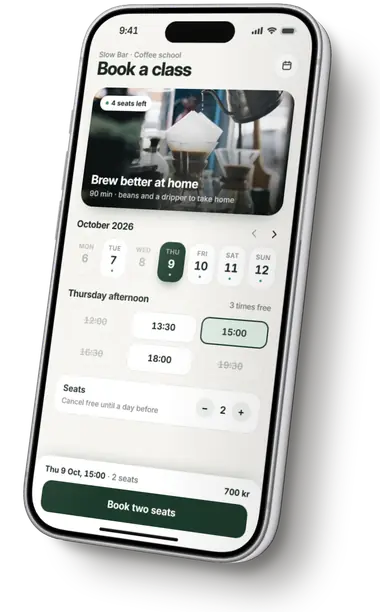
Website to iPhone app
Paste a link. Borel reads your site and builds a native SwiftUI app from it, in your colours, with your logo and your words.
Turn a website into an app
Paste its address
Paste a link
Ask for an app based on your website, and the build starts by reading it.
Ask for an app based on your site's address.
Its name, colours, logo and content, from the public page.
SwiftUI, compiled with Xcode and opened in the simulator.
What Borel reads
Only the public page, what any visitor sees. The AI designs a native app from it, never a copy of the page.
Your site's name can be the app's name.
Your brand colour becomes the starting point for the app's accent.
Kept with the app and shown where a logo belongs.
Real items, sections and wording from the page, in the page's own language.
Borel's Mac takes pictures of the page at iPhone and desktop size.
Apple's rule
Apple asks for more than a website in an app's frame.
“Your app should include features, content, and UI that elevate it beyond a repackaged website. If your app is not particularly useful, unique, or “app-like,” it doesn’t belong on the App Store.”
Borel writes a SwiftUI app with native tabs, lists and screens, using what it read from your site as the starting point.
Web app owners
Paste its public address the same way. Borel reads what the page shows and builds a native iPhone app on that brand, with its own database in Borel's cloud.
An app doesn't have to go to the App Store. Make one for yourself and keep it on your home screen with a free Apple ID.
Ask for an app based on your site, and watch Borel build it.
Read next